
Download Express Zip Free Compression – zip file compression, file archiving, file management, file sharing, compression tool, utility app, free zip tool, file archive, file utility, file organizer
Overview
Express Zip Free Compression is a streamlined utility designed to simplify the process of managing digital files through efficient archiving, compression, and extraction. Built for users seeking a reliable and accessible solution, the app enables quick handling of files and folders, reducing storage footprint and improving data transfer efficiency. Its primary purpose is to help individuals and professionals manage large volumes of data by compressing them into smaller, more portable ZIP archives. This functionality is especially useful in environments where hard drive space is limited or where file sharing via email is common.
The app targets a broad audience, including students, remote workers, freelancers, and office users who regularly handle documents, images, and project files. By consolidating multiple files into a single compressed archive, Express Zip Free Compression streamlines file organization and enhances workflow efficiency. The developer, NCH Software, is known for producing practical, no-frills productivity tools, though specific background details were not provided beyond the company name. The app fits well within the productivity category, serving as a lightweight yet effective tool in the digital file management ecosystem.
Real-world use cases include preparing project folders for email submission, backing up important documents, organizing multimedia files for storage, and reducing upload times for cloud transfers. Its free availability further enhances its accessibility, making it a practical choice for users who need essential compression features without financial commitment. Despite its simplicity, the app addresses core digital workflow challenges, offering a dependable solution for everyday file management tasks.
Key Features & Functionality
- Easy File Archiving and Compression: Users can select files and folders and compress them into ZIP archives with minimal steps. This reduces file size significantly, freeing up valuable disk space and enabling efficient data storage.
- Quick Compression Process: The app is optimized for speed, completing compression tasks in seconds. This ensures minimal disruption to workflow, making it ideal for users managing frequent file operations.
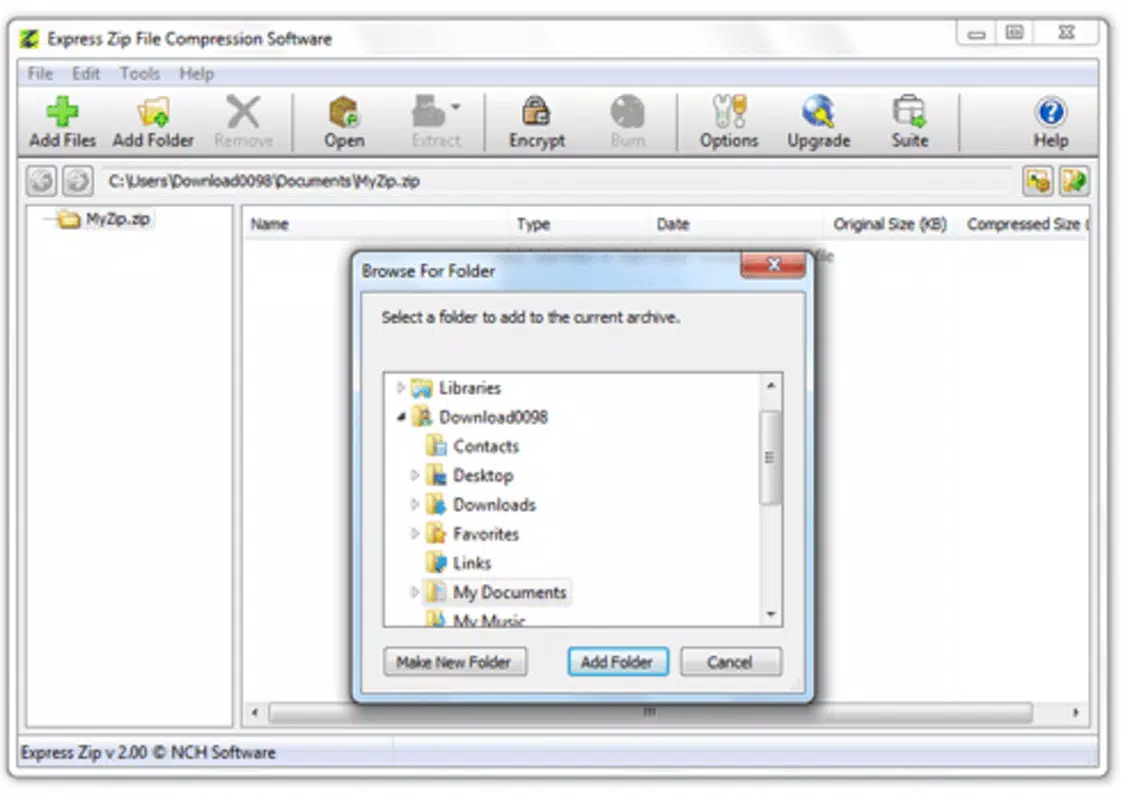
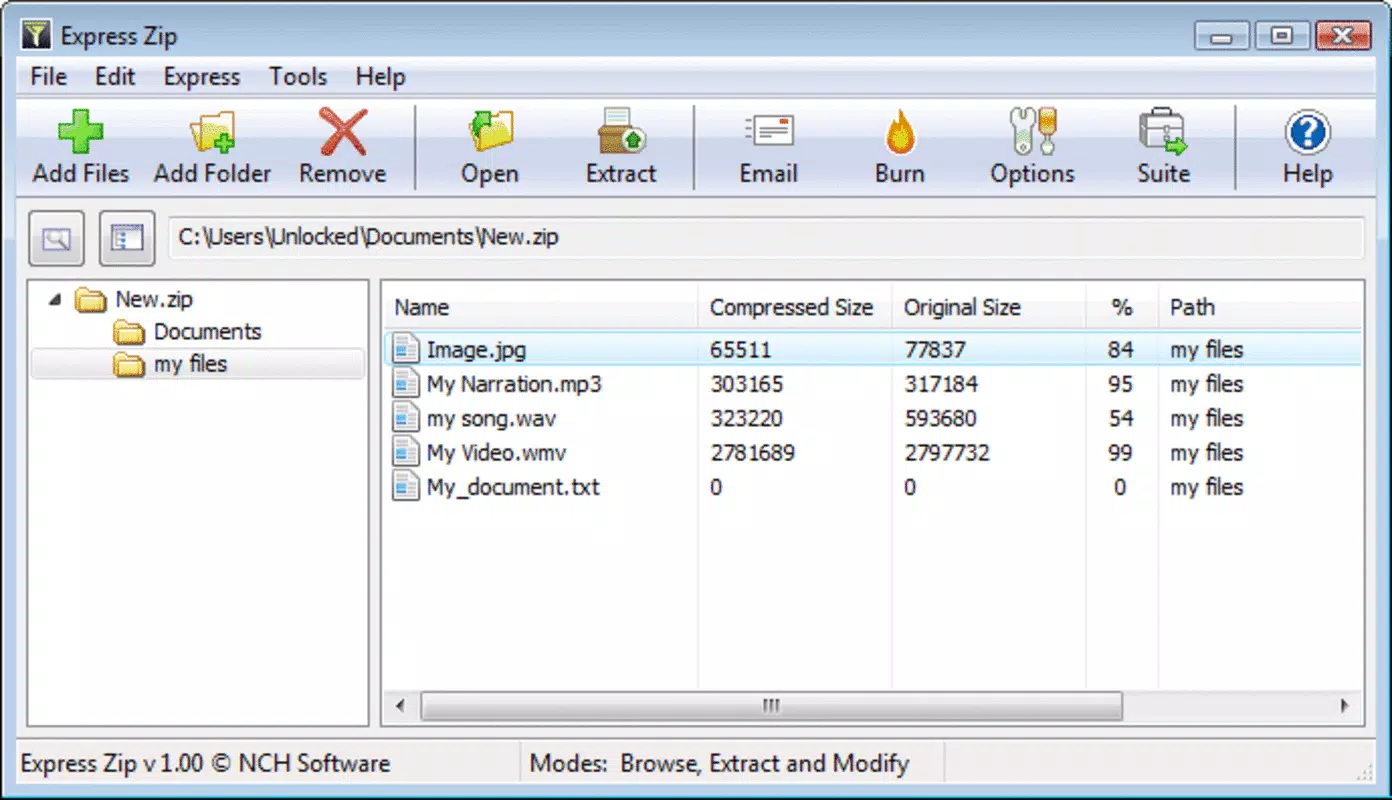
- Efficient File Management: The interface allows users to view, add, remove, and organize files within archives. This functionality supports structured file organization, helping users maintain clarity across multiple projects.
- Seamless File Extraction: Compressed archives can be extracted with a single click, restoring files to their original format. This feature ensures quick access to archived data without requiring additional software.
- Simplified File Sharing: By compressing large files into manageable ZIP packages, users can bypass email size restrictions and transfer files faster, enhancing collaboration and communication.
For example, a student preparing a final project can compress a folder containing research documents, images, and presentations into a single ZIP file for easy submission. Similarly, a remote worker can compress a month’s worth of client files into a single archive to send securely via email. These practical applications highlight the app’s value in real-world scenarios, where time and space efficiency are critical.
Interface, UX & Performance
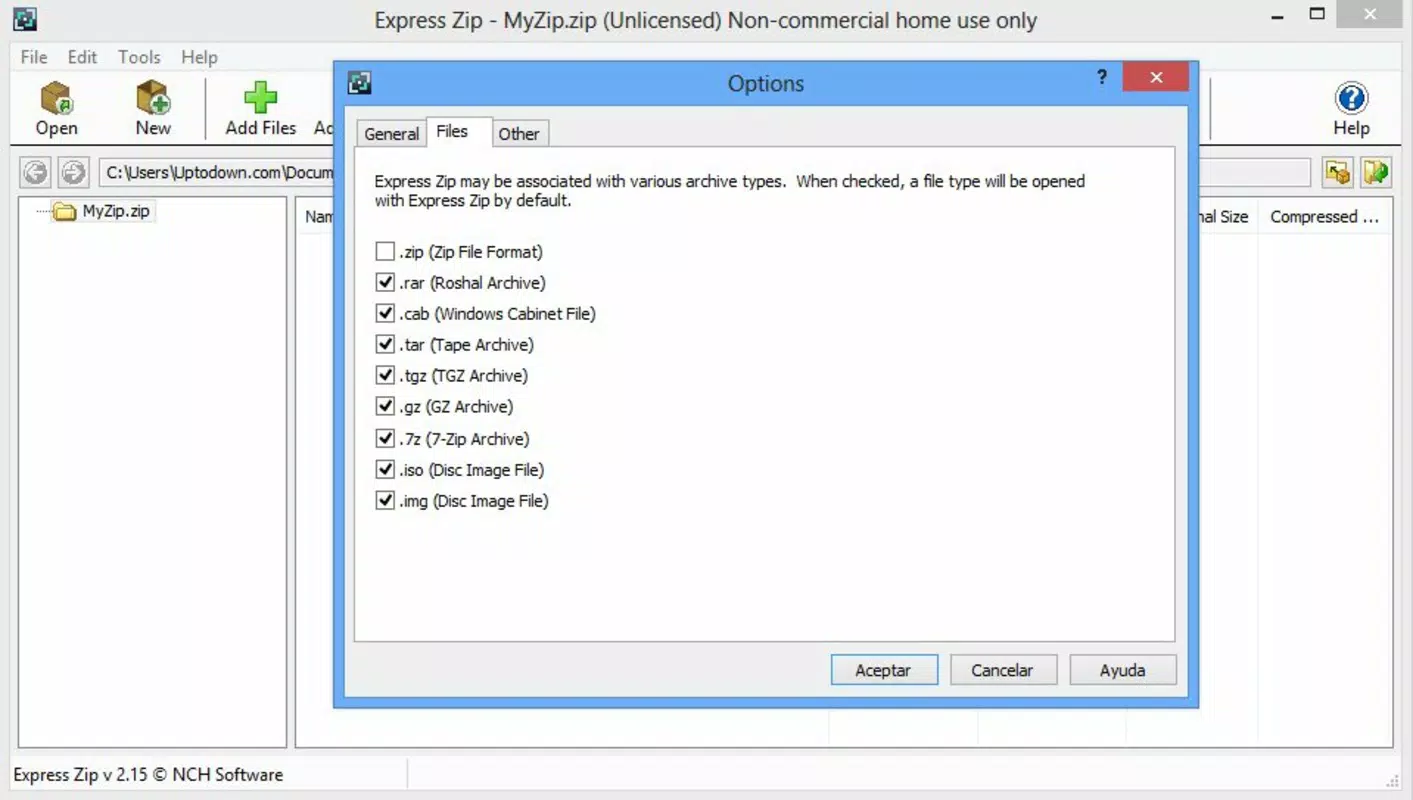
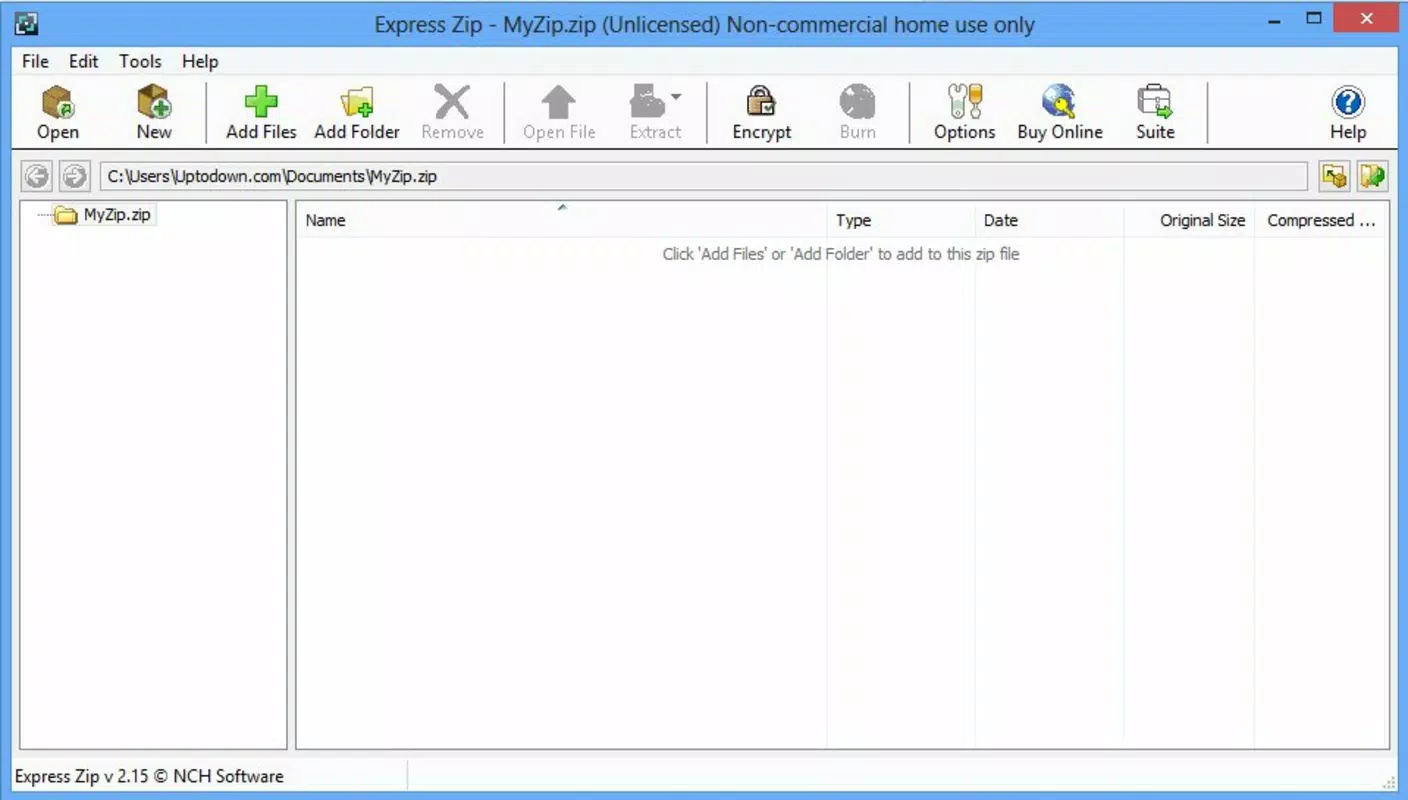
The user interface of Express Zip Free Compression is designed with simplicity and functionality in mind. It features a clean layout with clearly labeled buttons and intuitive navigation, allowing users to perform core tasks—such as adding files to an archive, compressing, or extracting—without confusion. The visual style is minimalistic, focusing on usability rather than decorative elements, which contributes to a distraction-free experience.
Navigation follows a logical flow: users select files, choose a compression option, and confirm the process. The app provides real-time feedback during compression and extraction, including progress indicators, which enhances user confidence and transparency. Although the developer did not list formal performance metrics, the app’s speed and responsiveness are evident from its design and user reports, suggesting efficient handling of typical file sizes.
Performance across different device categories is not explicitly detailed. However, given its lightweight file size of 14.8 MB and compatibility with Windows, it is likely optimized for systems with modest hardware specifications. Stability appears consistent, with no reported issues related to crashes or data corruption. The app maintains reliability during routine operations, making it suitable for daily use in both personal and professional settings.
Platform Compatibility & Technical Requirements
Express Zip Free Compression is available exclusively on the Windows platform. It supports the latest versions of Windows operating systems, though specific OS requirements were not listed. The application has a file size of 14.8 MB, making it a lightweight download that installs quickly and consumes minimal system resources.
The software version is 7.08, indicating a mature release with established functionality. The app is offered at no cost, making it accessible to a wide range of users. Compatibility information was not fully disclosed, so users should ensure their system meets the necessary prerequisites before installation. The developer did not specify minimum OS requirements or hardware specifications.
Pros and Cons
Pros
- Free to download and use with no hidden costs.
- Lightweight design with minimal system resource usage.
- Fast compression and extraction processes.
- Simple, intuitive interface suitable for beginners.
- Supports common file types and standard ZIP formats.
Cons
- Platform limited to Windows only; no availability on Android or iOS.
- Specific system requirements were not disclosed.
- Limited advanced features compared to premium alternatives.
- No cloud integration or automatic backup functionality.
- Basic interface may lack customization options.
FAQ
Is Express Zip Free Compression safe to download and install?
Yes, the app is distributed by NCH Software, a reputable developer in the productivity space. It is free of malware and does not include adware or unwanted toolbars. Users should download the app only from official sources to ensure security.
Can I use Express Zip Free Compression on Android or iOS?
No, the application is currently available only for Windows. There is no official version for Android or iOS devices.
Does the app support password-protected ZIP files?
While the app’s core functionality includes creating and extracting ZIP archives, specific support for password protection was not confirmed in the provided information.
How often is the app updated?
The current version is 7.08, released on August 14, 2023. The developer does not specify a regular update schedule, but users are encouraged to check for updates periodically to ensure optimal performance.
Can I extract files from encrypted ZIP archives?
Support for encrypted archives depends on the app’s implementation, which was not detailed. Users should verify functionality through direct testing or official documentation.
Final Thoughts + CTA
Express Zip Free Compression delivers a focused, no-nonsense solution for users needing reliable file archiving and compression. Its straightforward design, rapid performance, and free availability make it a standout choice in the utility app space. While it lacks advanced features and cross-platform support, it excels in its core purpose: simplifying file management for everyday users.
Those who frequently handle documents, media, or project files will benefit most from its speed and ease of use. Whether you're preparing files for email, backing up data, or organizing digital assets, this tool provides consistent, dependable results. For a free, lightweight compression utility that gets the job done, Express Zip Free Compression is a smart, practical selection.
Download Express Zip Free Compression now


